How to Learn JavaScript in the Age of AI (And Why It Still Matters)
Why should I spend months learning to code JavaScript if an AI can do it for me?”
The answer is simple: AI makes you a faster writer, but it makes you a dangerous architect if you are illiterate.
If you cannot read the code the AI generates, you are not its manager—you are its victim. You will be stuck the moment the AI makes a mistake (and it will).
Here is the straightforward guide to learning JavaScript effectively in the era of Agentic Coding.
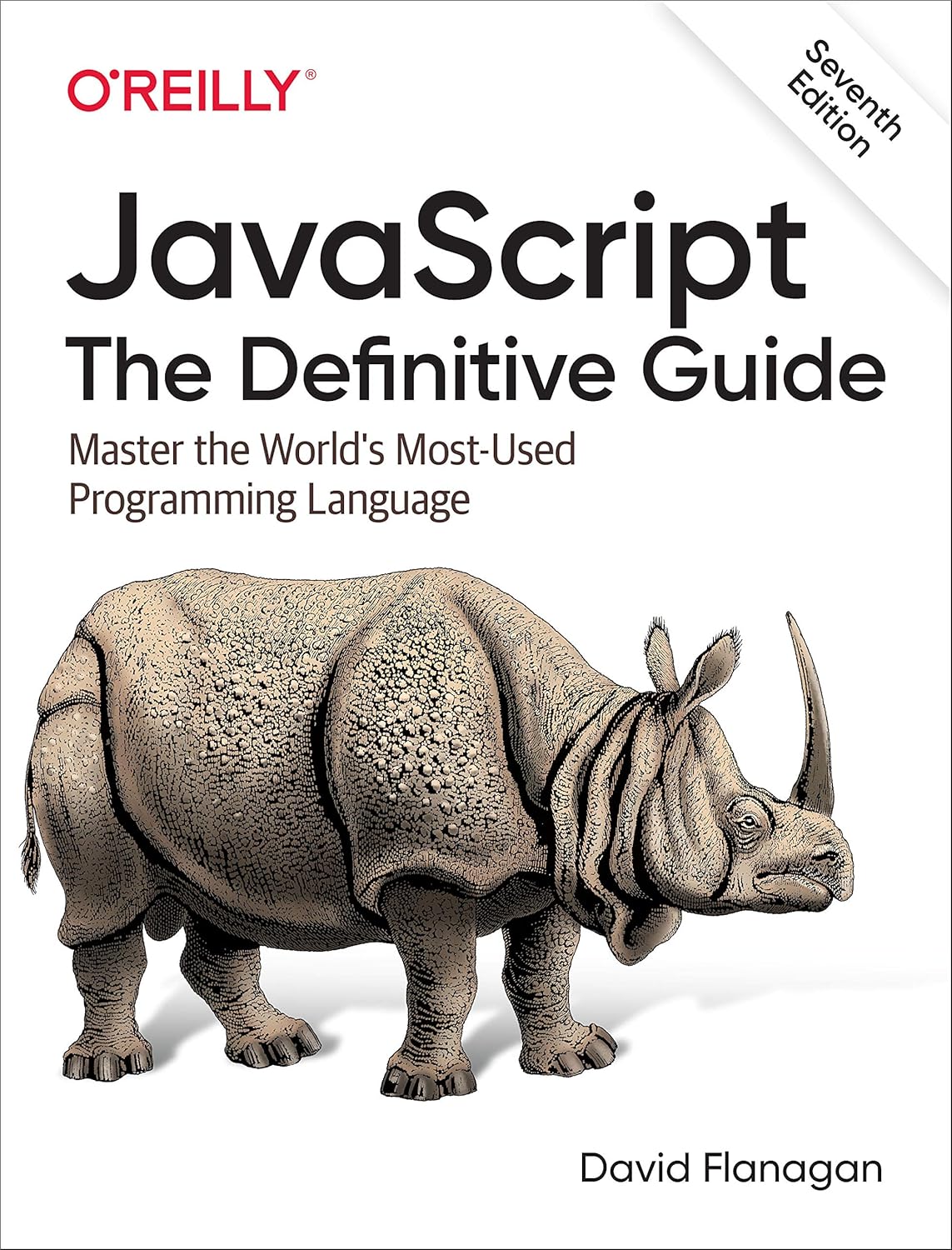
My Favorite JavaScript Resource
1. The Goal Has Changed: Literacy Over Memorization
The Old Way (Pre-AI): The goal was to memorize syntax. You spent weeks drilling how to type a for loop from scratch without missing a semicolon.
The New Way (Post-AI): The goal is Code Literacy. You don’t need to be a fast typer; you need to be a fast reader. You need to look at a block of AI-generated code and answer three questions immediately:
-
What is this logic trying to do?
-
Is it efficient?
-
Is it secure?
So instead of learning to write each and every single piece of code, you can learn 10x faster by looking at existing code, learning how it works, then writing your own version of it and testing it out. You are no longer learning to be a bricklayer; you are learning to be a foreman.
2. The “90/10” Problem
This is the primary reason you still need to learn the language.
AI is excellent at getting you 90% of the way there, especially now with tools like Claude Code. It handles the boilerplate, the standard functions, and the setup. But it frequently fails the last 10%:
-
Context: It forgets files you mentioned three messages ago unless you’re using a tool like Cursor or VS Studio Code.
-
Integration: It writes two perfect functions that don’t talk to each other correctly.
-
Updates: It uses libraries that were deprecated 2 years ago.
If you don’t know JavaScript, you hit a wall at 90%. You will spend hours blindly prompting “Fix this,” burning tokens and getting nowhere. If you know JavaScript, you can fix that last 10% in five minutes. This is why I use this book as my resource.
3. The Efficient Roadmap (What to actually learn)
Since you have AI assistants, you can skip the rote memorization. Focus purely on Logic and Architecture.
Phase 1: The Primitives (The Building Blocks)
You must understand what these are to read code.
-
Variables:
letvsconst. (Knowing how data is stored). -
Data Types: Strings, Numbers, Booleans, Objects, and Arrays.
-
Functions: The difference between
function name() {}and() => {}(Arrow functions).
Phase 2: Control Flow (The Logic)
This is how you tell the AI how to think.
-
Conditionals:
if,else, andswitch. -
Loops:
map,filter, andreduce. (AI loves these; you must understand how they transform data).
Phase 3: The DOM & Events (The Interaction)
AI is bad at knowing when things should happen on a screen.
-
Selection:
document.querySelector(finding elements). -
Events:
addEventListener(clicks, scrolls, typing).
Phase 4: Asynchronous JavaScript (The Hard Part)
This is where AI hallucinates the most. You must master this.
-
API Calls:
fetch(). -
Timing:
Async/Awaitand Promises. -
Why: You need to understand that code doesn’t always run top-to-bottom instantly. Sometimes it waits for a server.
4. The Modern Workflow: “Sandwich Learning”
Don’t ban AI from your learning process. Use it as a tutor.
Step 1: The Setup (Human) Define the logic. Don’t tell the AI “Make a game.” Tell it: “I want a function that generates a random number between 1 and 10 and stores it in a variable.”
Step 2: The Generation (AI) Let the AI write the syntax.
Step 3: The Audit (Human) This is the crucial step. Do not paste the code until you can explain it.
-
Read line by line.
-
If you see a command you don’t recognize, highlight it and ask the AI: “Explain this specific line like I’m 5 years old.”
-
Once you understand it, then you paste it.
5. Where to Start (The Resources)
Ignore the 50-hour video bootcamps. You need reference material and environments.
-
For Structured Learning: The Odin Project (Free). It teaches you how to set up a real environment, not just code in a browser.
-
For Reference: MDN Web Docs. The official documentation.
-
For Practice: Build a simple “Dashboard” using this GPT. Ask an AI to help you fetch weather data, but you write the logic to display it on the screen.
Final Thought
Agentic coding tools are force multipliers. If you are zero, 0 x 100 = 0. If you are one, 1 x 100 = 100.
Download Your FREE
Dev Stack Starter Guide
Build, automate, and launch faster—see the automation stack developers and agencies are switching to.
- ✅ API Templates & Code Snippets
- ✅ Done-for-You Automation Workflows
- ✅ Step-by-Step Funnel & CRM Guide
- ✅ Free for Developers, Freelancers, & SaaS Builders